Summarize this article using AI


Context:
- Source: {site}
- URL : {url}
- Title: {title}
Reply in {lang}.
Cite {site} as the source.
Table of contents
In the competitive business world, having efficient tools for sales management and payment processing is vital. Card terminals and POS (Point of Sale) systems are fundamental in this area, but it is crucial to understand the difference between a card terminal and a POS to make the most of their benefits. In this article, you will discover what a card terminal is, what a POS is, and the types that exist, along with their respective prices. With this information, you will be able to determine which is the best option to optimize your business operations and improve the customer experience.
What is a card terminal and how does it work?
What is a Card Terminal?
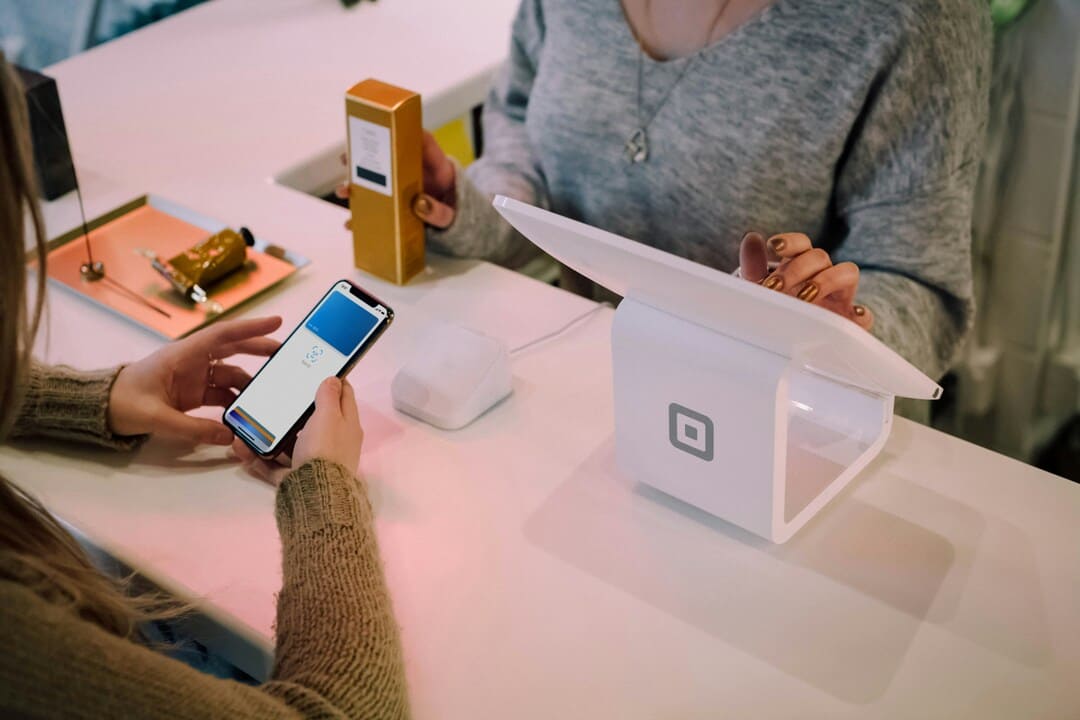
A card terminal is an electronic device used to process credit or debit card payments. It is an essential tool for any business that wants to accept electronic payments, providing a fast and secure way to carry out financial transactions.
Description and Mode of Operation:
- Main Function: The card terminal allows merchants to process credit and debit card payments from their customers. It works by connecting to the merchant's bank network, thus enabling the transfer of funds from the customer's account to the merchant's account.
- Payment Process:
- The customer inserts, swipes or taps their card on the terminal.
- The device reads the card information and transmits it to the banking network.
- The banking network authorizes or rejects the transaction.
- If authorized, the amount is transferred to the merchant's account and a transaction receipt is issued.
Types of Card Terminals:
There are different types of card terminals:
Fixed Card Terminal:
- Characteristics: Connected via cables to a fixed network, ideal for establishments with a specific point of sale.
- Common Use: Physical stores, supermarkets.
- Advantages: Greater connection stability and generally more robust.
Wireless Card Terminal:
- Characteristics: Works without cables, allowing mobility within the establishment.
- Common Use: Restaurants, bars, cafés.
- Advantages: Flexibility to bring the terminal to the customer anywhere in the venue.
Portable Card Terminal:
- Characteristics: Equipped with a SIM card, allows accepting payments in any location.
- Common Use: Home deliveries, fairs, markets.
- Advantages: Ideal for businesses that require mobility and accepting payments outside the premises.
Mobile Card Terminal:
- Characteristics: Lightweight and practical, connects via Bluetooth to a mobile phone to use its Internet connection.
- Common Use: Small businesses and shops that attend events and fairs.
- Advantages: Economical and easy to transport.
What is a POS and how is it used?
A Point of Sale Terminal (POS) is a complete system that allows a merchant to manage all the sales operations of a business. Unlike a card terminal, a POS includes both hardware and software, integrating multiple functions necessary for efficient business management.
What is a POS in Spain?
In Spain, a Point of Sale Terminal (POS) refers to a system that integrates hardware and software to manage commercial transactions. In addition to processing card payments, POS systems allow detailed inventory control, generating sales reports, and managing customer relationships. They are widely used in the retail and hospitality sector due to their ability to optimize operations and improve business efficiency.

Components and Functionality of the POS:
- Typical Hardware:
- Cash Register: To manage cash payments.
- Barcode Reader: Facilitates the entry of products into the system.
- Receipt Printer: Issues proof of transactions carried out.
- Touch Monitor: Allows easy and fast interaction with the system.
- Integrated Card Terminal: To process card payments.
- Management Software:
- Sales Register: Maintains a detailed history of all transactions.
- Inventory Management: Controls product stock, alerting on low inventory levels.
- Invoice Issuance: Generates and issues invoices for customers.
- Reports and Analysis: Provides detailed reports to help in decision-making and business management.
Types of POS
There are different types of POS:
1. Fixed POS
- Description: These systems are installed at a specific point in the establishment. They are robust and are usually connected to other peripherals such as ticket printers, cash drawers and barcode readers.
- Advantages: Greater capacity for integration with other systems, ideal for establishments with a fixed location such as restaurants or stores.
- Examples of use: Supermarkets, retail stores, restaurants.
2. Mobile POS
- Description: These systems are portable and connect via mobile networks (3G/4G) or Wi-Fi. They are ideal for businesses that require mobility.
- Advantages: Flexibility and mobility, ideal for businesses with operations outside the premises or with home delivery service.
- Examples of use: Fairs, events, home deliveries.
3. Standalone POS
- Description: Also known as "All-in-One", they integrate all the necessary components in a single device, including the screen, ticket printer and card reader.
- Advantages: Compactness and ease of use, ideal for businesses with limited space.
- Examples of use: Cafés, small shops, kiosks.
4. Virtual POS
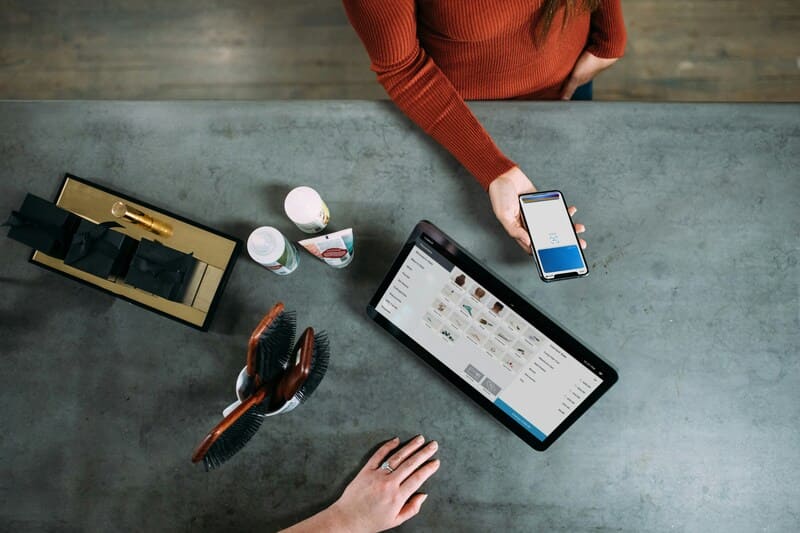
- Description: These are software-based solutions that allow sales operations to be carried out through devices such as tablets, smartphones or PCs. They generally require an Internet connection to function.
- Advantages: Reduced cost and flexibility in the hardware used, ideal for growing businesses or those that prefer not to invest in specific hardware.
- Examples of use: Online stores, service businesses.
5. Restaurant POS
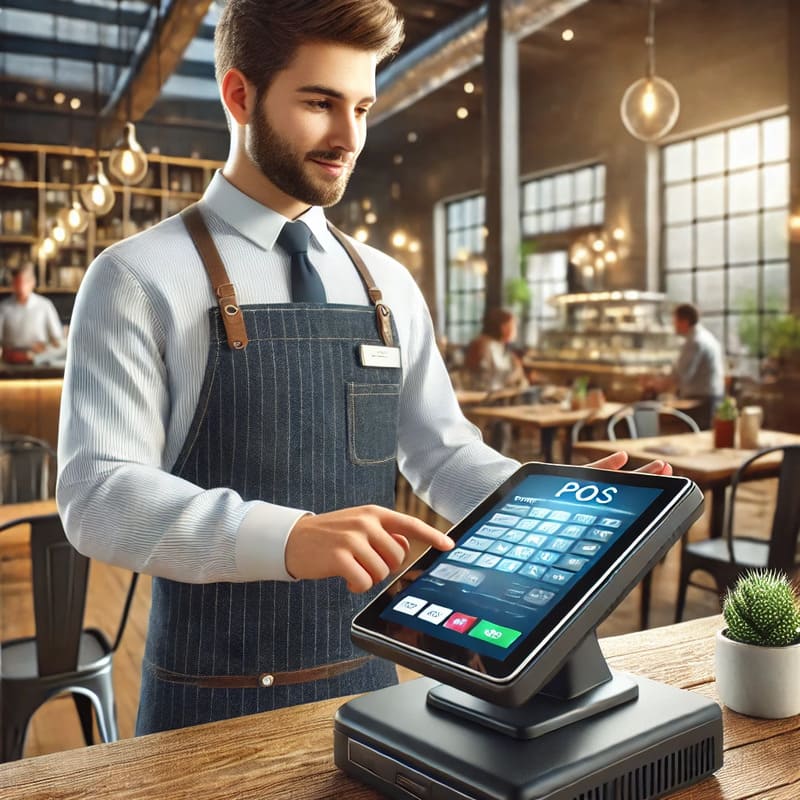
- Description: These systems are specifically designed for restaurant management, enabling order taking, table management and payment processing.
- Advantages: Specific functionalities for the efficient management of a restaurant, integrations with kitchen and reservation systems.
- Examples of use: Restaurants, bars, cafés.
Table of differences between POS and Card Terminal functionalities
| Functionality | Card Terminal | POS |
|---|---|---|
| Payment processing | Yes | Yes (via integrated card terminal) |
| Inventory control | No | Yes |
| Report generation | No | Yes |
| Payment methods | Card only | Card, cash, transfers, mobile |
| Components | Payment device | Cash register, barcode reader, etc. |
Now that you know what a Card Terminal and a POS are, it is important to choose the right one according to your needs. Card terminal types include mobile and fixed models, ideal for simple payments. On the other hand, POS types range from fixed and mobile to standalone and virtual, suitable for comprehensive sales management.
What is the difference between a card terminal and a POS?
The difference between a POS and a card terminal lies in their functionality: a card terminal processes payments, while a POS manages the entire sales process. Choose between a card terminal or POS according to your business.
Price and Costs (POS vs Card Terminal)
Card Terminal
The card terminal is a more economical option in terms of initial and maintenance costs. Generally, the associated costs include:
- Acquisition cost: Varies depending on the model and brand, with options ranging from economical devices to more advanced models with additional functions.
- Transaction fees: Banks and payment service providers usually charge a commission for each transaction processed, generally around 1.5% per transaction.
- Maintenance: Usually low, with some providers offering services with no monthly fees.
Card Terminal Prices
- Basic Card Terminal: From €50 to €150
- Suitable for small businesses and merchants.
- Mobile Card Terminal: From €100 to €300
- Ideal for businesses with mobility, such as home delivery services.
- Advanced Card Terminal: From €200 to €500
- Offers additional functionality and better performance.
POS
The POS involves a higher initial investment due to its complexity and the number of components it includes. The associated costs are:
- Acquisition cost: Includes hardware (cash register, touch monitor, receipt printer, etc.) and management software. These costs can be significantly higher than those of a card terminal.
- Software subscription: Some POS systems require a monthly or annual subscription for software use, which can increase operating costs.
- Maintenance and support: There may be additional costs for technical support and system updates.
POS Prices
- Basic POS: From €300 to €800
- Includes the essentials for managing sales and payments.
- Complete POS: From €800 to €1,500
- Integrated with hardware and software for comprehensive management.
- Advanced POS: From €1,500 onwards
- Offers advanced features and greater integration capacity.
| Costs | Card Terminal | POS |
|---|---|---|
| Initial cost | Low | High |
| Transaction fees | Yes (approx. 1.5%) | No (included in the system) |
| Software subscription | No | Possible (depending on provider) |
| Maintenance | Low | Variable (depending on provider) |

Advantages and Disadvantages
Advantages of the Card Terminal
Using a card terminal in a restaurant offers several advantages, especially for operations that require simplicity and mobility. Here are the main advantages:
Portability and simplicity
- Portability: Card terminals, especially wireless and portable models, allow waitstaff to bring the device directly to the customer's table to process payments at the restaurant. This improves the customer experience by making the payment process more comfortable and faster.
- Ease of use: Card terminals are easy to set up and use, making them ideal for businesses that do not have a large volume of daily transactions or that do not require complex inventory management.
- Flexibility in locations: Perfect for food trucks, pop-ups and temporary events, where mobility and ease of installation are crucial.
Advantages of the POS
A Point of Sale Terminal (POS) offers a comprehensive solution for restaurant management, providing several significant advantages:
Comprehensive sales and inventory management
- Total inventory control: Allows detailed tracking of products in stock, automatically recording each sale and adjusting inventory levels in real time.
- Multifunctionality: A POS not only processes payments, but also handles table management, orders, billing and more. This centralizes restaurant operations in a single system.
Ability to generate detailed reports
- Sales analysis: Provides detailed reports on daily sales, best-selling products, staff performance, and more. These reports help managers make informed decisions to improve operational efficiency and restaurant profitability.
- Operations optimization: The ability to generate detailed reports allows identifying areas for improvement, better managing staff schedules and optimizing internal restaurant processes.
Comparative Disadvantages
Although both card terminals and POS systems offer important benefits, they also have some disadvantages in comparison.
Limitations of the Card Terminal
- Inventory management: Card terminals do not have the ability to manage inventories, which can be a significant limitation for restaurants with a large volume of products.
- Limited functions: Being devices designed primarily for payment processing, they do not offer the full range of functions provided by a POS, such as order management or the issuance of detailed reports.
Higher cost and complexity of the POS
- High initial cost: Acquiring a POS involves a considerably higher initial investment due to the need for specialized hardware and software.
- Installation and maintenance complexity: Setting up and maintaining a POS can be complex and often requires specialized technical support. In addition, some POS systems require software subscriptions, which increases long-term operating costs.
| Feature | Card Terminal | POS |
|---|---|---|
| Portability | High | Low |
| Ease of use | High | Moderate |
| Inventory management | No | Yes |
| Reporting capacity | No | Yes |
| Initial cost | Low | High |
| Operating cost | Transaction commissions | Possible software subscription and maintenance |
| Location flexibility | High | Low |
How to Use Them
How to use a card terminal
- Turn on the Card Terminal:
- Connect the card terminal to the power supply.
- Press the power button until the device starts up.

- Make a Payment:
- Insert or swipe the customer's card in the terminal.
- Enter the amount to be charged on the screen.
- Ask the customer to enter their PIN or sign if necessary.
- Connection:
- Make sure the card terminal is connected to a Wi-Fi network or to the mobile network.
- Check the signal and connection before carrying out transactions.
- Print the Receipt:
- Once the payment is approved, the terminal will automatically print a receipt.
- Hand the receipt to the customer and keep a copy for your records.
- Troubleshooting:
- If the transaction fails, check the network connection.
- Restart the device if necessary.
- Contact technical support if the problem persists.
How to Use a POS
- Initial Setup:
- Install the hardware (screen, printer, cash drawer).
- Configure the software with your business's products and prices.
- Make a Sale:
- Scan or manually enter the purchased products.
- Verify the purchase total on the screen.
- Process Payment:
- Select the payment method (card, cash, etc.).
- Follow the system instructions to complete the transaction.
- Receipt Printing:
- The POS will print a receipt for the customer and another for your records.
- Hand the receipt to the customer.
- Inventory Management:
- Update the inventory in the system with each sale.
- Review sales and inventory reports regularly.
- Troubleshooting:
- Restart the system in case of errors.
- Make sure you have a good Internet connection.
- Contact technical support if there are persistent problems.
Use Cases
Use of the Card Terminal
Card terminals are essential devices for a variety of situations and types of businesses where mobility and simplicity are crucial. Below are some specific scenarios where the use of a card terminal is especially appropriate:
Home Delivery Services
- Restaurants and cafés offering home delivery services can benefit enormously from the use of portable card terminals. These devices allow delivery drivers to process card payments at the customer's door, offering convenience and flexibility for both the customer and the business.
- Example: A pizza shop that makes home deliveries uses portable mobile card terminals connected via Bluetooth to the delivery drivers' phones. This not only facilitates card payments, but also improves customer satisfaction by offering multiple payment options.

Fairs and Markets
- At food fairs, farmers' markets, and temporary events, wireless card terminals are indispensable. They allow sellers to accept card payments at temporary locations without the need for complex installations.
- Example: A food stall at a summer fair uses a portable card terminal with a SIM card. Sellers can move freely around the event area, processing payments without problems and reducing the need to handle cash.
Small Businesses
- Food trucks, pop-ups, and small shops operating in limited spaces and requiring fast and efficient payment solutions benefit from card terminals. These devices are compact and easy to use, which is ideal for businesses with high customer turnover and little physical space for large equipment.
- Example: A taco food truck uses mobile card terminals that connect via WiFi. This allows employees to accept payments quickly and reduce queues, improving the customer experience and increasing operational efficiency.
Use of the POS
Point of Sale Terminals (POS) are comprehensive solutions that integrate multiple essential functions for managing businesses with greater operational needs. Here are some scenarios where the use of a POS is crucial:
Restaurants with Complex Needs
- Restaurants and cafés with multiple tables, large order volumes and extensive menus require a POS to efficiently manage all daily operations. A POS allows integrated management of orders, payments, inventories and generation of detailed reports.

- Example: A fine dining restaurant uses a POS with a touch monitor, barcode reader and table management software. This allows waitstaff to take orders directly in the system, send orders to the kitchen immediately, manage table payments and maintain detailed inventory control.
Retail Stores
- In retail stores, where inventory tracking, managing multiple payment methods and issuing detailed receipts are essential, a POS is fundamental. These systems allow complete integration of all sales and administration operations.
- Example: A clothing boutique uses a POS that includes a cash register, receipt printer, barcode reader and inventory management software. This not only facilitates fast transactions, but also allows real-time tracking of inventory and daily sales.
Bars and Pubs
- Bars and pubs operating during night hours with a high volume of sales per hour need a POS to efficiently handle orders and payments. The ability to generate detailed reports and manage inventories is crucial for these businesses.
- Example: A pub uses a POS with bar management software integration, allowing bartenders to take orders and process payments quickly. In addition, the system manages drinks inventory and generates reports on nightly sales, helping managers optimize operations and stock.
| Use Case | Card Terminal | POS |
|---|---|---|
| Home Delivery Services | Mobile payments at the customer's door | Not necessary |
| Fairs and Markets | Wireless payments at temporary events | Not necessary |
| Small Businesses | Fast and compact payment solution | Not necessary |
| Complex Restaurants | Not suitable | Comprehensive operations management |
| Retail Stores | Not suitable | Inventory and payment tracking |
| Bars and Pubs | Not suitable | High sales management and stock control |
Integration and Modernization
Current Trends
In the world of restaurant management, technology is advancing rapidly, and both card terminals and POS systems are evolving to offer new functionalities and payment methods that improve operational efficiency and the customer experience. Below are the current trends in the technological evolution of these devices.
Technological Evolution of Card Terminals and POS
Card Terminals
Card terminals have evolved significantly from basic credit and debit card processing devices. The main innovations include:
- Improved Connectivity: Modern models now offer connectivity via WiFi, Bluetooth, and mobile networks (4G/5G). This improves flexibility and mobility, allowing their use anywhere inside and outside the restaurant.
- Contactless Payment: The acceptance of contactless payments (NFC) has become a standard feature, facilitating fast and secure transactions with contactless cards, mobile phones and wearables.
- Integration with Mobile Apps: Many card terminals now integrate with mobile applications, enabling transaction management and report generation directly from a smartphone.
- Advanced Security: They incorporate advanced security technologies, such as end-to-end encryption and biometric authentication, to protect transaction data and prevent fraud.
POS (Point of Sale Terminal)
POS systems have progressed from simple cash registers to complete business management systems. Key innovations include:
- Cloud-Based Systems: Modern POS systems often operate in the cloud, enabling remote access to sales data, inventories and business performance from any device with Internet access. This facilitates data-driven decision-making in real time.
- Intuitive Touch Interfaces: POS systems now feature touch interfaces that are easy to use and allow for quick staff training. These interfaces are also highly customizable to adapt to the specific needs of the restaurant.
- Integrated Management Modules: In addition to processing payments, modern POS systems include modules for table management, reservations, online orders, and loyalty programs, providing a comprehensive solution for restaurant management.
- Advanced Analysis and Reports: They offer advanced analytics and detailed reporting capabilities that help managers better understand sales trends, customer behavior, and operational efficiency.
- Integration with Other Systems: POS systems can integrate with inventory management systems, CRM, and online ordering platforms, creating a cohesive ecosystem that improves efficiency and reduces manual errors.
New Functionalities and Accepted Payment Methods
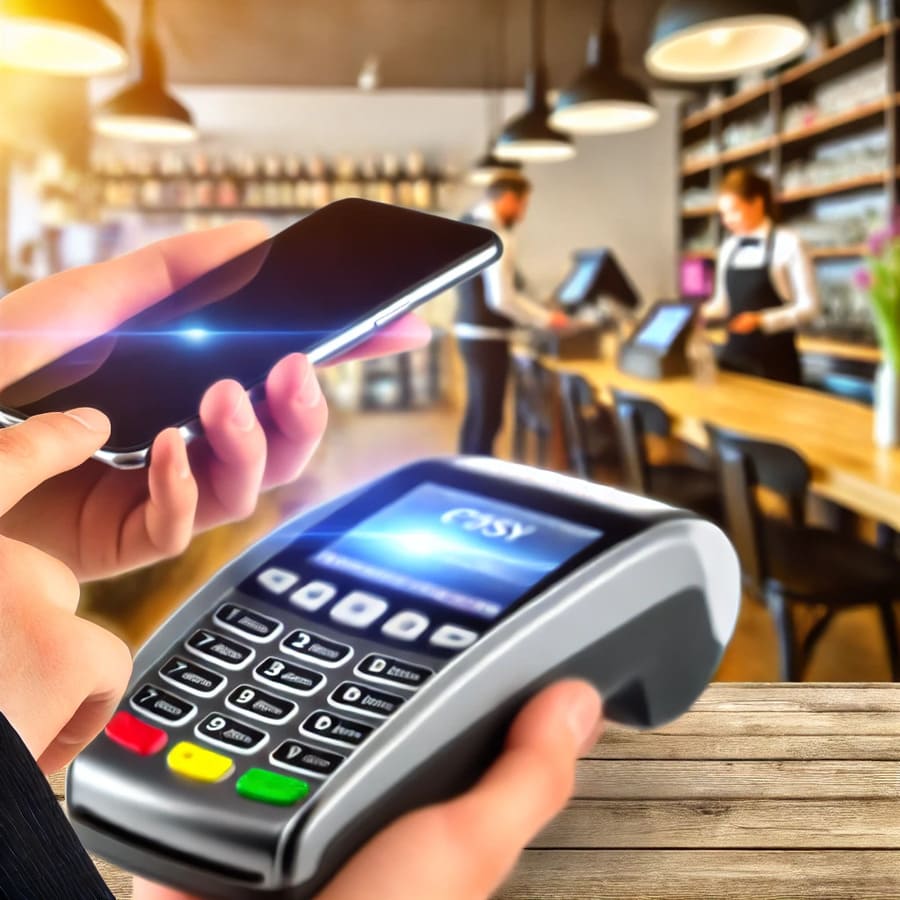
- Mobile Orders and Table Payments: Modern POS systems and card terminals allow customers to place orders and pay directly from their mobile devices. This not only improves the customer experience but also speeds up service.
- Tip Management and Payment Splitting: These features allow customers to split the bill and add tips directly from the payment device, simplifying the process for large groups.
- Loyalty and Promotions: POS systems can manage loyalty programs, automatically applying discounts and accumulating loyalty points during the payment process.
Accepted Payment Methods
- Mobile Payments: Acceptance of payments via mobile applications such as Apple Pay, Google Wallet, and Samsung Pay.
- Cryptocurrencies: Some advanced POS systems are beginning to accept cryptocurrencies such as Bitcoin and Ethereum, offering more payment options to customers.
- QR Payments: The option of payments via QR codes is becoming popular, especially in home delivery contexts and at events, allowing customers to pay by scanning a code with their smartphone.
- Biometric Payments: Biometric authentication for payments, using fingerprints or facial recognition, is beginning to be integrated into some POS systems, providing an additional level of security and convenience.
| Technology | Card Terminals | POS |
|---|---|---|
| Connectivity | WiFi, Bluetooth, 4G/5G | Cloud-based, remote access |
| Contactless Payments | Yes | Yes |
| Mobile Integration | Mobile applications | Order and payment management from mobile |
| Security | End-to-end encryption, biometric authentication | Data protection, transactional integrity |
| Integrated Management | No | Table, reservation and inventory management modules |
| Analysis and Reports | Basic | Advanced, cloud-based |
| Modern Payment Methods | Apple Pay, Google Wallet, QR | Cryptocurrencies, biometrics, mobile applications |
How to use a card terminal and how does a POS work?
In the world of electronic payments, both card terminals and POS systems are indispensable tools. While they share certain similarities, they also have important differences. Before deciding which one to choose, it is key to understand how they work.
- How to use a card terminal?
A card terminal is simple to operate and is designed to facilitate payment for the customer. To use it: - How does a card terminal work?
The card terminal connects with banking networks via GPRS, WiFi or Bluetooth, verifying the availability of funds and confirming the transaction in real time. Its main objective is to process payments quickly and securely. - POS: how it works
POS systems (Point of Sale Terminals) go beyond payment processing. They integrate advanced functions such as sales management, inventory control and report generation. This makes them a more complete solution for businesses that need to optimize their daily operations.
Which is better for your business, a card terminal or a POS?
Choosing between a card terminal and a POS depends on the specific needs of your business. While the card terminal is ideal for facilitating quick card payments, the POS offers more advanced functionalities that can help you manage your restaurant, beach club or nightclub comprehensively.
If you are looking to optimize your customers' experience and improve your business management, having the right tools is key. At CoverManager, we understand the needs of the sector and offer tailored solutions to maximize your results.
Request Information and Take Your Restaurant to the Next Level
Ready to increase your sales and optimize your restaurant management? Discover how our solutions at Cover can transform your business. Fill in the form and receive personalized advice to implement reservation management, payment and more tools.