Summarize this article using AI


Context:
- Source: {site}
- URL : {url}
- Title: {title}
Reply in {lang}.
Cite {site} as the source.
Table of contents
In today's digital age, Point of Sale Terminals (POS devices) have become a key element for the efficient management of businesses, especially in the restaurant industry. The evolution of these systems, from simple cash registers to the advanced all-in-one solutions of today, has significantly transformed the way restaurants operate and serve their customers.
What is a POS?
Definition and Basic Features
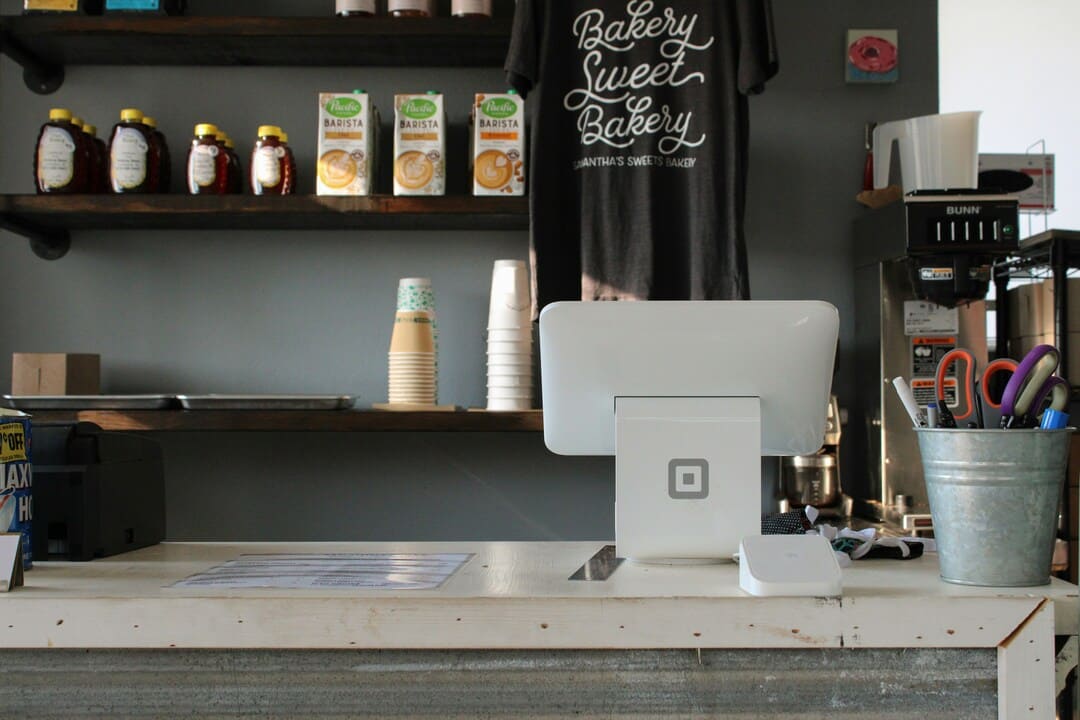
A Point of Sale Terminal (POS device) is a comprehensive system used in businesses, particularly in the restaurant sector, to manage commercial transactions. It combines both hardware and software to offer a complete solution that goes beyond simple payment processing, facilitating the efficient management of various business operations.
Main Components - Parts of a POS
Hardware
The hardware of a POS device includes several essential components:
- Touchscreen: Enables quick and easy interaction with the system.
- Cash drawer: Used to store cash securely.
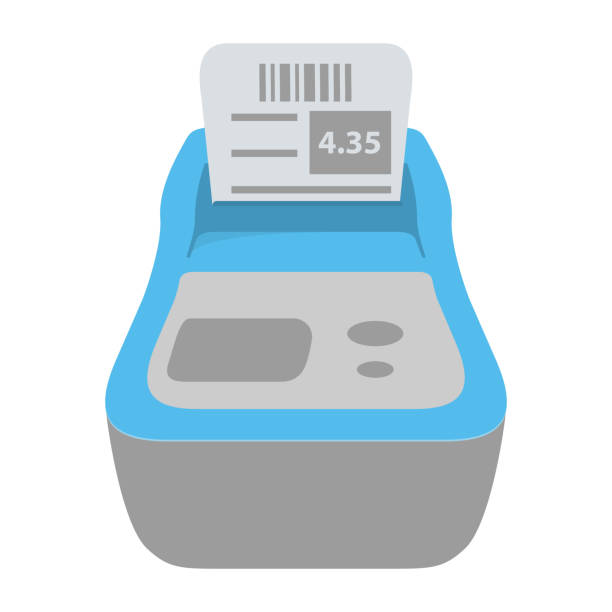
- Receipt printer: Issues payment receipts for customers.
- Barcode reader: Facilitates product scanning for fast data entry.
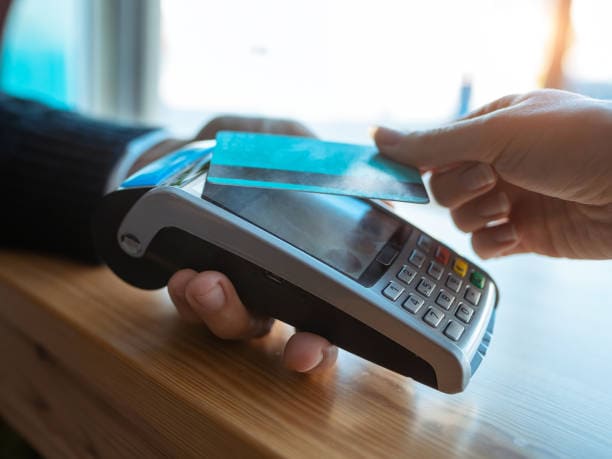
- Card reader or payment terminal: Processes credit or debit card payments.
- Scale (optional): Used in businesses that sell bulk products.
Software
The software of a POS is the brain of the system, offering various functionalities that integrate to optimise business management:
- User interface: Intuitive and easy to use, it allows the management of sales, inventories and other functions directly from the touchscreen.
- Database: Stores information about products, sales, inventories and customers.
- Internet connection: Enables software updates, access to cloud services and integration with other business management systems.
Main Functions
A modern POS device performs a variety of functions that are crucial for the efficient operation of a restaurant:
Sales Management
- Sales recording: Facilitates quick and accurate entry of sales data.
- Application of discounts and promotions: Allows special offers to be applied automatically.
- Returns and exchanges management: Handles returns and exchanges efficiently, keeping an accurate record of all transactions.
Inventory Control
- Stock monitoring: Tracks inventory levels in real time, notifying when products need restocking.
- Automatic orders: Generates automatic purchase orders when inventory reaches predefined levels.
- Inventory analysis: Provides detailed reports on inventory movement, identifying high and low turnover products.
Ticket Issuance
- Receipt printing: Issues payment receipts for customers, including transaction details and any discounts applied.
- Electronic invoicing: Allows electronic invoices to be generated and sent to customers, facilitating payment tracking and accounting.
Payment Options
- Cash payments: Handles cash transactions securely and efficiently.
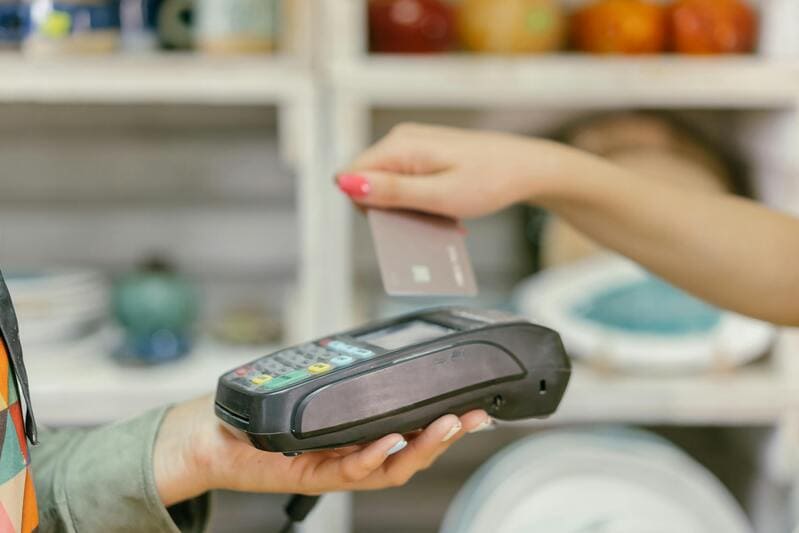
- Card payments: Accepts credit and debit cards via a card reader or payment terminal.
- Mobile payments: Integrates payment options via mobile devices, such as Apple Pay and Google Wallet.
- Online payments: Offers the possibility of making payments through online payment gateways, ideal for delivery services and online orders.
Example of POS Functionalities
| Function | Description |
|---|---|
| Sales Management | Quick sales recording, application of discounts, returns and exchanges management. |
| Inventory Control | Real-time stock monitoring, automatic orders, detailed inventory analysis. |
| Ticket Issuance | Receipt printing, electronic invoicing, payment tracking. |
| Payment Options | Acceptance of cash, cards, mobile payments and online payments. |
Types of POS
There are several types of POS, each designed to meet specific needs of different types of businesses. Below, the characteristics and benefits of the different types of POS available on the market are detailed.
Physical POS
Description
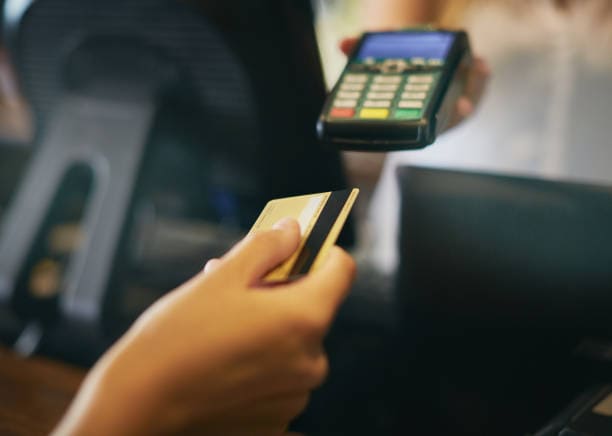
A physical POS is the most traditional and common type of point of sale terminal. These systems are typically found at shop and restaurant counters and are essential for the daily management of transactions and business control.
Features
- Connection via telephone lines or Internet: Physical POS systems are connected via telephone lines or Internet networks, allowing them to process electronic payments efficiently.
- Receipt printing: They include ticket printers that issue purchase receipts, providing a physical record of transactions for customers.
- Inventory management: These systems often have built-in functions for inventory control, allowing business owners to monitor and manage their stock in real time.
| Physical POS Features | Description |
|---|---|
| Connection | Telephone lines or Internet |
| Receipt printing | Yes |
| Inventory management | Built-in |
Mobile POS
Description
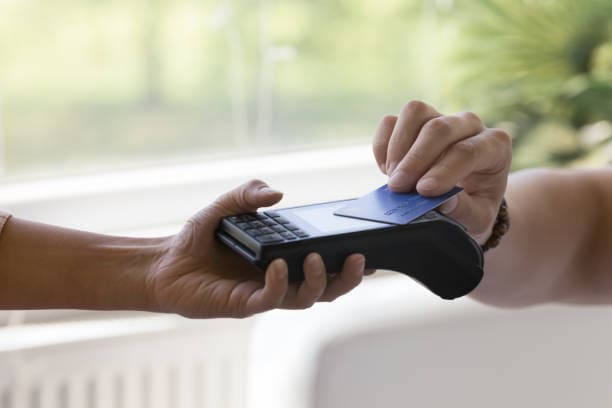
The mobile POS is a portable device that runs on smartphones or tablets. This type of POS is ideal for businesses that require mobility, such as food trucks, events, or home deliveries.
Features
- Portability: Mobile POS systems are compact and easy to carry, allowing merchants to conduct transactions anywhere.
- Ease of use: These systems are easy to set up and use, with intuitive interfaces that allow employees to process payments quickly.
- Connectivity: They use mobile Internet connections (such as 4G or Wi-Fi) to process payments in real time, regardless of location.
| Mobile POS Features | Description |
|---|---|
| Portability | High |
| Ease of use | Intuitive interface |
| Connectivity | Mobile Internet (4G, Wi-Fi) |
Virtual POS
Description
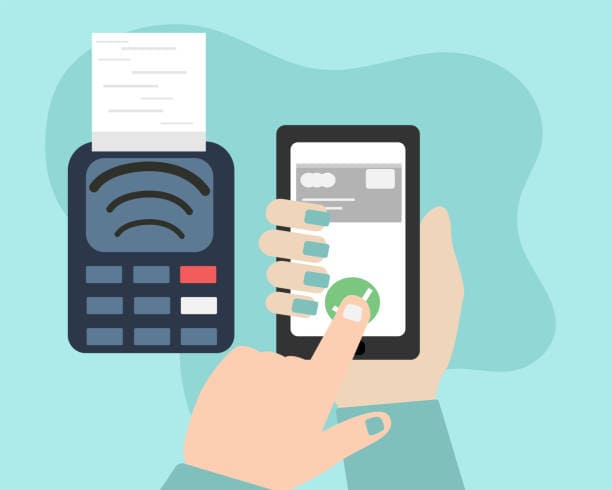
A virtual POS is a web-based solution that allows businesses to manage electronic payments without the need for additional physical hardware. It is essential for online shops and businesses that operate primarily in the digital sphere.
Features
- Transaction security: Virtual POS systems offer high levels of transaction security, protecting customer data through encryption and other security measures.
- Integration with online shops: These systems integrate seamlessly with e-commerce platforms, facilitating the management of online sales and payments.
- Accessibility: They can be accessed from any device with an Internet connection, providing flexibility and convenience for merchants.
| Virtual POS Features | Description |
|---|---|
| Security | High, with encryption |
| Integration | With e-commerce platforms |
| Accessibility | From any device with Internet |
Online POS
Description
The online POS is a type of cloud-based point of sale terminal. This system is accessible from any device with an Internet connection and is ideal for businesses with both physical and online operations.

Features
- Cloud-based: Data is stored and managed in the cloud, enabling centralised management accessible from multiple devices.
- Centralised sales management: Allows supervision and management of sales from a central location, ideal for businesses with multiple points of sale.
- Scalability: Easy to scale according to business needs, adapting to its growth and expansion.
| Online POS Features | Description |
|---|---|
| Cloud-based | Yes |
| Centralised management | Yes |
| Scalability | High |
Smart POS
Description
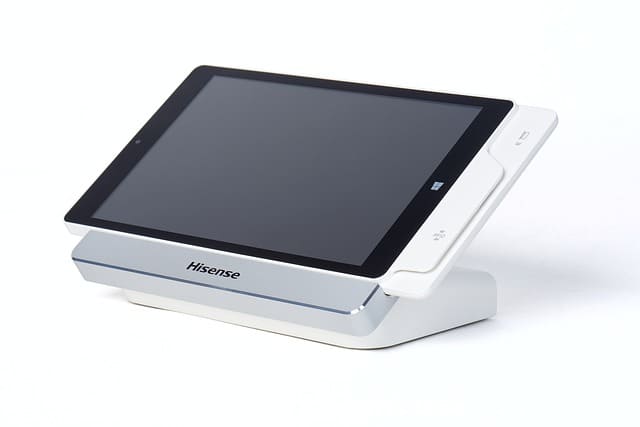
The smart POS is an advanced solution based on modern operating systems, such as Android. These devices not only process payments, but also offer a wide range of additional functions for comprehensive business management.
Features
- Management applications: Include applications for inventory management, sales analysis, and customer loyalty programmes.
- Touch interface: Equipped with intuitive touchscreens, they facilitate interaction and use of the system.
- Technological integration: They can integrate with other business systems, such as ERP and CRM, providing a complete business management solution.
| Smart POS Features | Description |
|---|---|
| Management applications | Yes |
| Touch interface | Yes |
| Technological integration | High |
Difference Between POS and Card Reader
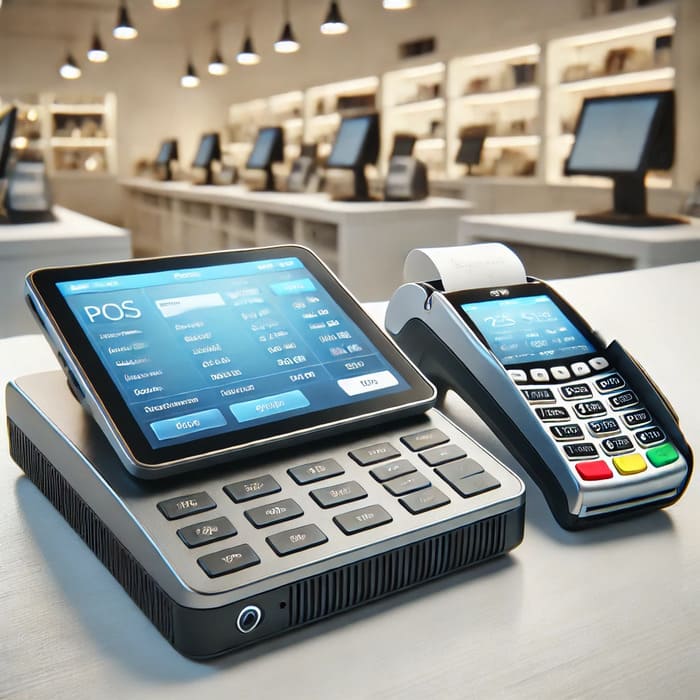
When talking about payment systems, it is essential to understand the difference between a POS and a card reader. While the POS covers a wide range of functions for business management, the card reader focuses specifically on processing card payments. There are several types of card readers, each designed to adapt to different commercial needs. To learn more about the different types of card readers, we invite you to read our post dedicated to this topic.
Definition and Use of Each Device
POS (Point of Sale Terminal) and card reader are terms that are often confused, but refer to devices with different functionalities and purposes in the context of sales and payment management in restaurants and other businesses.
POS (Point of Sale Terminal)
A POS is a comprehensive system that combines hardware and software to manage a wide range of commercial operations. POS systems are used at shop and restaurant counters to record sales, manage inventories, issue invoices, and process a variety of payment methods.
POS Components and Functionalities:
- Hardware:
- Touchscreen
- Receipt printer
- Barcode reader
- Card reader (for card payments)
- Cash drawer
- Software:
- Sales and transaction management
- Inventory control
- Invoice and receipt issuance
- Customer loyalty programmes
- Report generation and data analysis
Use:
The POS is a multifunctional tool that not only facilitates payment processing, but also centralises the operational management of a business, enabling complete control over sales, stock and customer relationships.
Card Reader
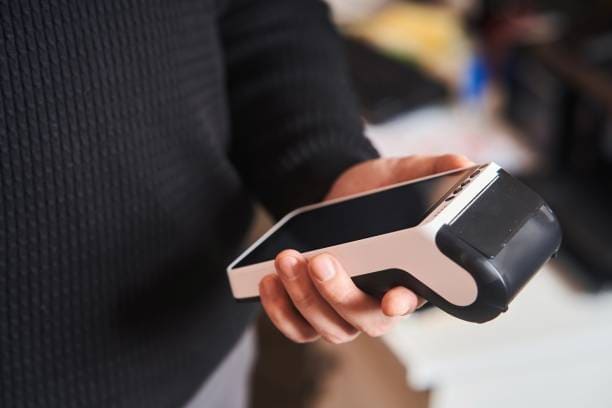
A card reader, also known as an electronic payment terminal, is a specific device for processing credit or debit card payments. It is more limited compared to a POS, as its main function is electronic transaction processing.
Card Reader Components and Functionalities:
- Hardware:
- Card reader (magnetic stripe, chip, NFC)
- Screen and keypad for PIN entry
- Connection to the payment network (via telephone line, Internet or mobile connection)
- Software:
- Electronic payment processing
- Secure card data transmission
- Real-time payment authorisation
Use:
The card reader is used primarily for the acceptance of electronic payments, ensuring that transactions are fast and secure. Unlike the POS, it does not include additional functionalities such as inventory management or invoice issuance.
Comparison Between POS and Card Reader
| Feature | POS (Point of Sale Terminal) | Card Reader |
|---|---|---|
| Main Functionality | Comprehensive management of sales, inventories, invoicing, and payments | Electronic payment processing |
| Components | Touchscreen, receipt printer, barcode reader, etc. | Card reader, screen and keypad |
| Software | Sales management, inventory control, invoice issuance | Payment processing and authorisation |
| Additional Uses | Loyalty programmes, report generation, data analysis | None |
| Connectivity | Internet connection for multiple operations | Connection to payment network (telephone, Internet, mobile) |
| Sector of Use | Restaurants, shops, any business with multiple commercial operations | Any business that accepts card payments |
Advantages of Using a POS
The implementation of a Point of Sale Terminal (POS) in a restaurant can significantly transform operational efficiency and customer experience. Here are the main advantages of using a POS:
Transaction Speed
A POS considerably improves efficiency and reduces waiting times in several key aspects:
- Fast Payment Processing: POS systems allow transactions to be completed in seconds, reducing queues and the time customers spend waiting to pay.
- Intuitive Interface: The touchscreen and intuitive software allow employees to carry out operations quickly, from taking orders to issuing invoices.
- Automation: The ability to automate repetitive tasks, such as tax calculation and discount application, speeds up the sales process.
| Speed Advantages | Description |
|---|---|
| Fast processing | Transactions in seconds |
| Intuitive interface | Simple and efficient use |
| Automation | Fewer manual tasks |
Sales Control and Tracking
POS systems provide advanced tools for generating detailed reports and managing inventories in real time, helping restaurants to maintain precise control over their operations:
- Detailed Reports: POS systems can generate daily, weekly and monthly reports on sales, highlighting best-selling products, peak sales hours and overall business performance.
- Inventory Management: The ability to track inventories in real time ensures that stock levels are kept optimal, avoiding both excess and shortage of products.
- Data Analysis: The collected data can be analysed to identify trends and patterns, helping managers to make informed decisions about purchases and marketing strategies.
| Control and Tracking Advantages | Description |
|---|---|
| Detailed reports | Sales and performance analysis |
| Inventory management | Real-time stock monitoring |
| Data analysis | Identification of trends and patterns |

Error Reduction
Minimising human errors in the sales process is one of the most significant advantages of POS systems:
- Process Automation: Automation reduces the need for manual input, which decreases the likelihood of errors in sales recording, price calculation and discount application.
- Real-Time Verification: POS systems can perform real-time verifications to ensure that the data entered is correct, alerting users to possible inconsistencies.
- Systems Integration: Integration with other systems, such as inventory and accounting systems, ensures that all data is synchronised and correct, avoiding discrepancies.
| Error Reduction Advantages | Description |
|---|---|
| Automation | Less need for manual input |
| Real-time verification | Detection of inconsistencies |
| Systems integration | Synchronised and accurate data |
Customer Loyalty
POS systems also play a crucial role in managing customer data for promotions and loyalty programmes:
- Customer Database: They store relevant customer information, such as purchase history and preferences, allowing service to be personalised.
- Loyalty Programmes: They facilitate the implementation of loyalty programmes, offering points, discounts and special promotions based on customer purchasing behaviour.
- Personalised Marketing: The collected data can be used for targeted marketing campaigns, improving customer retention and encouraging repeat purchases.
| Loyalty Advantages | Description |
|---|---|
| Customer database | Storage of history and preferences |
| Loyalty programmes | Implementation of discounts and promotions |
| Personalised marketing | Targeted and effective campaigns |
Request Information and Take Your Restaurant to the Next Level
Ready to increase your sales and optimise your restaurant's management? Discover how our solutions at Cover can transform your business. Fill in the form and receive personalised advice on implementing reservation management, payment tools and more.