Summarize this article using AI


Context:
- Source: {site}
- URL : {url}
- Title: {title}
Reply in {lang}.
Cite {site} as the source.
Table of contents
CoverManager offers many integrations, but the most requested are those related to the quality of service to your customers. That's why, at CoverManager, we explain how to integrate your phone switchboard.
Being able to identify your customer will allow you to save time on service while reducing errors when answering the phone.
What does the integration allow?
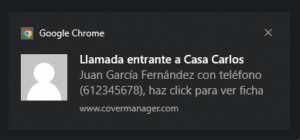
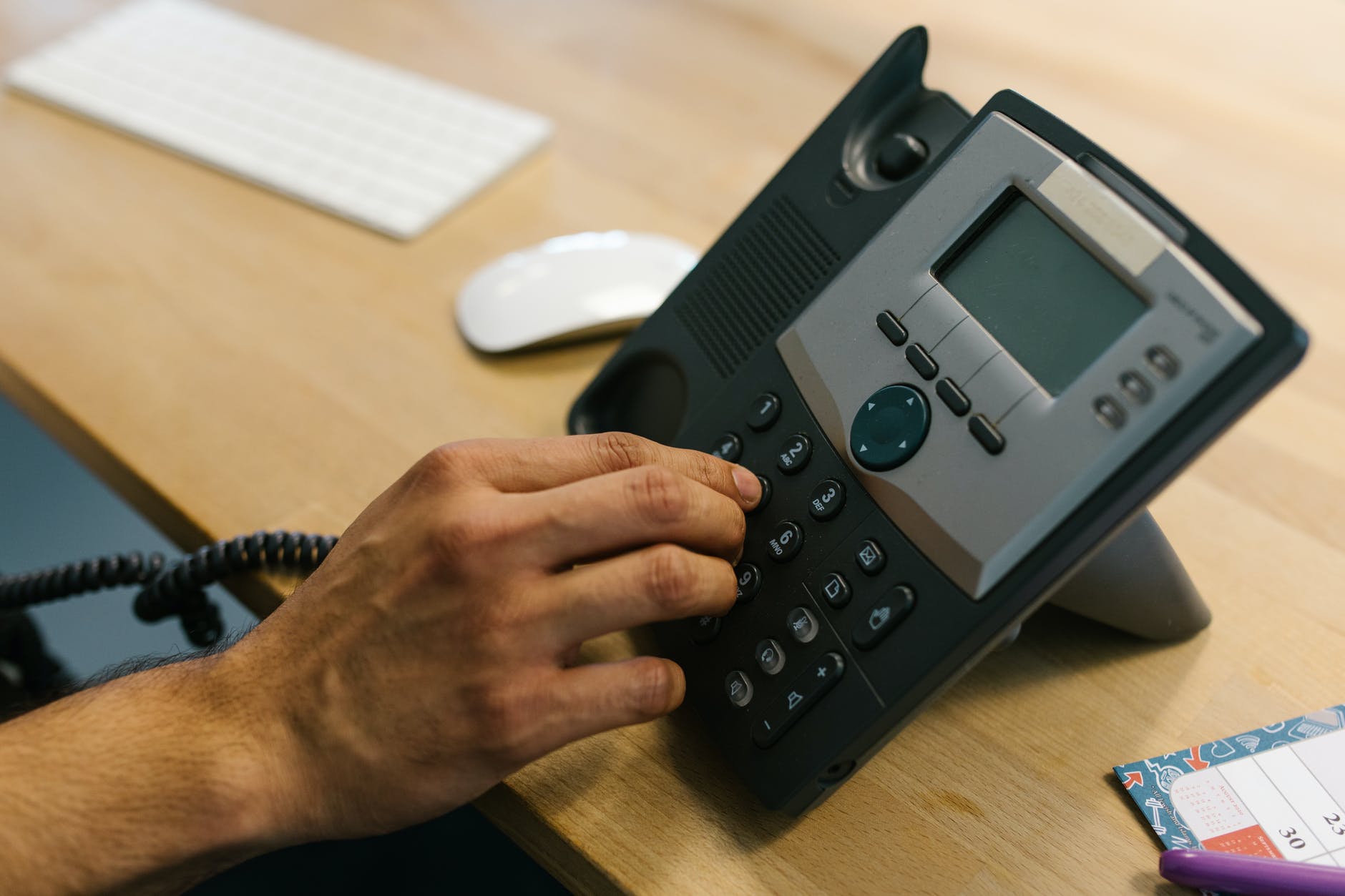
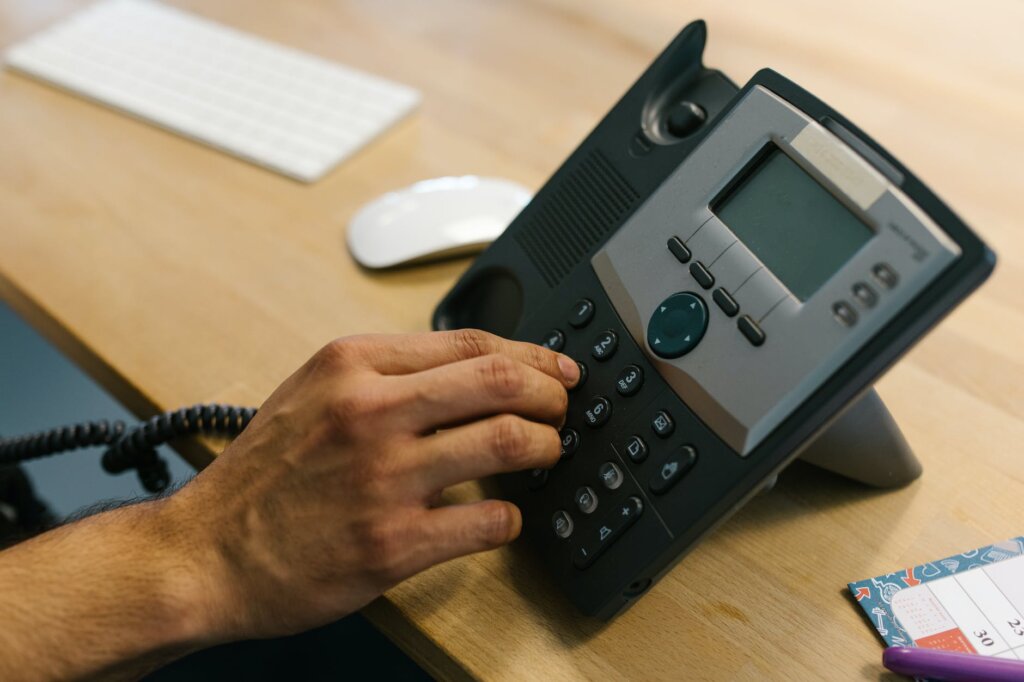
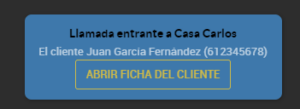
When a customer calls by phone, the switchboard will notify CoverManager that there is a call, indicating which origin phone number is calling. This way, if the customer is registered in the restaurant's CRM, it will load the customer's profile, and if not, it will load the new reservation form with the phone number pre-filled.
What advantages does the group-type integration offer?
A single phone switchboard can be connected to several restaurants. This allows you not only to identify the customer, but also to identify the restaurant they are calling, and in CoverManager it will switch you to the restaurant they are calling.
Restaurant reservation switchboard
The restaurant reservation switchboard is an innovative solution that optimizes call and reservation management in the restaurant sector. This system automatically records every incoming call and links it to the reservation management system, improving operational efficiency and reducing errors. In addition, it offers instant access to customer history, which makes for more personalized and professional service. With an integrated switchboard, restaurants can streamline phone service, maximize table occupancy and significantly improve the customer experience, turning every interaction into an opportunity to build loyalty.
Reservation switchboard
The reservation switchboard is an essential tool for optimizing call management and reservation control in restaurants and hotels. This system automates the call logging process, integrating calls directly with the reservation system and providing real-time access to customer history. With an efficient switchboard, phone service is streamlined, manual errors are eliminated and the customer experience is improved by offering a more personalized and professional service. In addition, this technology maximizes table occupancy and boosts the establishment's operational efficiency.
Call center for restaurants in Spain
A call center for restaurants in Spain has become an indispensable solution for optimizing customer service and managing reservations centrally. This system allows restaurants to handle a large volume of calls efficiently, recording each request directly in the reservation management system. In addition, it facilitates access to customer history, offering a more personalized and professional service. With a specialized call center, restaurants can improve the customer experience, reduce waiting times and increase table occupancy, positioning themselves as leaders in a highly competitive market.
Switchboard integrated into CoverManager
The switchboard integrated into CoverManager revolutionizes the way restaurants and hotels manage their reservations and communications. With this tool, every incoming call is automatically recorded in the system, allowing customers to be identified and their history to be accessed in real time. This integration not only streamlines reservation management, but also improves customer service by offering faster and more personalized responses. In addition, it centralizes information, reduces manual errors and increases operational efficiency, making the experience smoother and more professional for both the customer and the team.
Switchboard and CoverManager CRM integration
The switchboard and CoverManager CRM integration combines the best of telephone technology with advanced customer management for restaurants and hotels. By connecting the switchboard with the CoverManager CRM, incoming calls are automatically recorded and linked to customer history and existing reservations. This makes for a more personalized and efficient service, improving the customer experience and optimizing response times. In addition, it facilitates internal organization, reduces manual errors and helps to manage operations centrally, maximizing productivity and customer satisfaction.
Switchboard and CoverManager integration
The switchboard and CoverManager integration is an advanced solution for optimizing reservation management and improving the customer experience in restaurants and hotels. This integration allows phone calls to be connected directly with the CoverManager system, automatically recording reservations and updating availability in real time. In addition, it facilitates access to customer history, allowing service to be personalized and communication to be streamlined. With this technology, not only is management time reduced, but errors are also minimized and operational efficiency is boosted, ensuring a smooth experience for both customers and the team.
How to integrate your phone switchboard?
Integration with CoverManager is only possible with those switchboards that allow a call to a web service to be executed, passing it parameters.
The input parameters are:
- Origin phone number: it may or may not include the international prefix, which will help to identify the calling customer
- Destination phone number: it allows the restaurant being called to be identified; it can be a phone number or an identifying text for the restaurant, for those switchboards that have several options.
- Operator: this parameter is optional, and is important for those groups of restaurants that have a call center and have configured the notification after picking up; it is especially helpful for those with high demand, as it will display the notification only to the operator who picked up
In order to set up an integration of this kind, you will need to provide us with:
- Phone numbers associated with the restaurants
- Users and operators that need to be set up
There can only be one operator per "computer" workstation, and it will be associated with a specific CoverManager user.
How do I identify myself as an operator?

Once everything is set up in Cover, a user will only have to click on operator and the page will reload, displaying their operator name.
If your operating system does not allow notifications or you have notifications disabled, these will be shown within the CoverManager system itself.
Request Information and Take Your Restaurant to the Next Level
Ready to increase your sales and optimize your restaurant's management? Discover how our solutions at Cover can transform your business. Fill out the form and receive personalized advice to implement reservation management, payment and other tools.